Groups
A family or a team as the recipient of what you share.
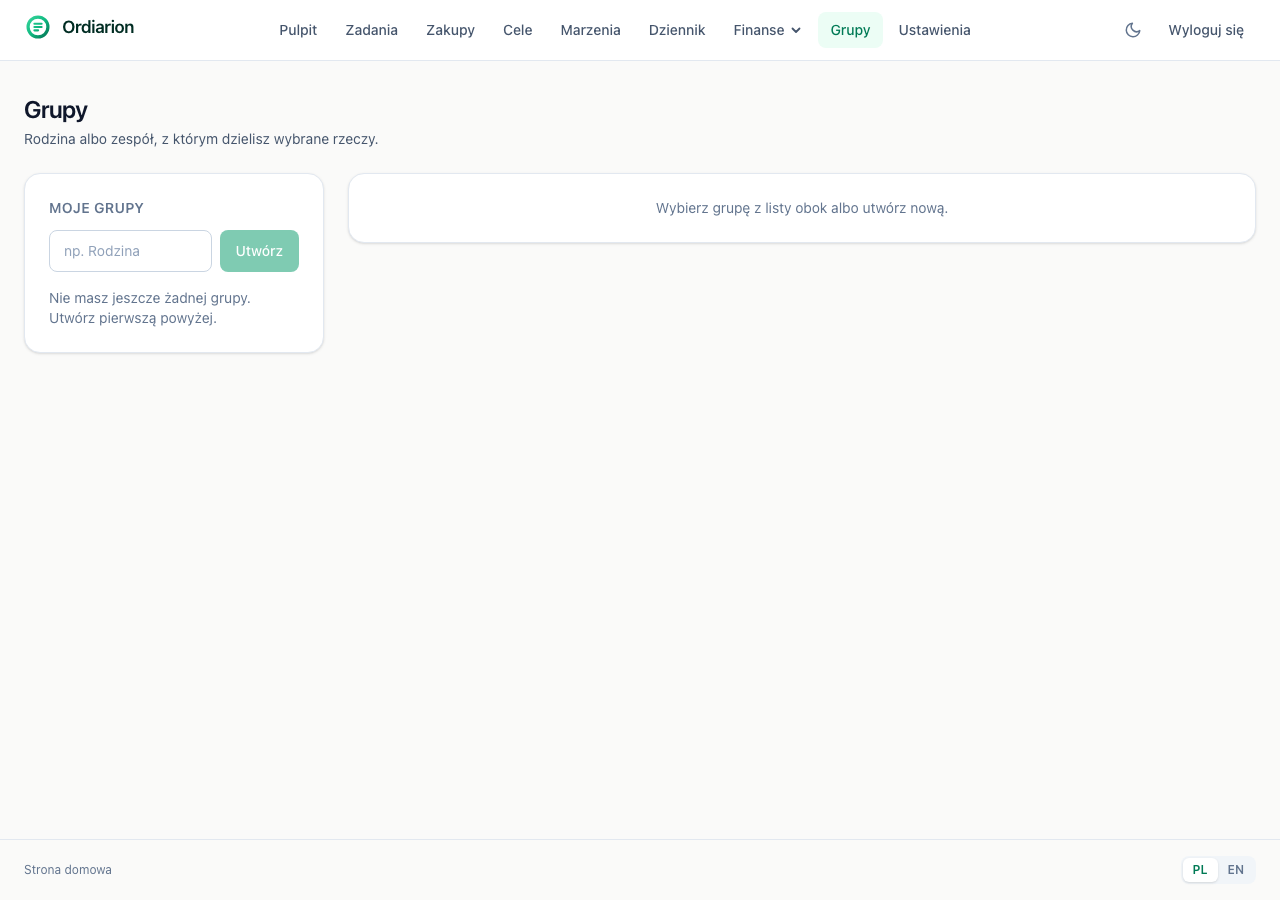
A group is a named list of people you can share selected things with.
A group is not a module switch
This is the distinction that matters. A group is a second kind of recipient alongside an individual person — the sharing itself stays where it was, attached to the specific thing being shared.
If you shared modules instead, turning on shopping would cover every list at once. Because the assignment sits on the list, one can belong to the family and another can stay yours alone.
Creating one and who is in it
You create a group with a name, then add people by email address. Someone without an account joins automatically when they register at that address.
Every member has a permission: can edit, or view only.
What a member cannot do
Change who is in the group — that stays with whoever created it. A member who could add more people would be handing out other people's things.
What can be shared with a group
Shopping lists and the budget. Not the journal, by design.
When somebody has access by two routes at once (directly and through a group), the wider permission applies. Losing write access merely by joining a group would be a surprise.